Overriding System Captions
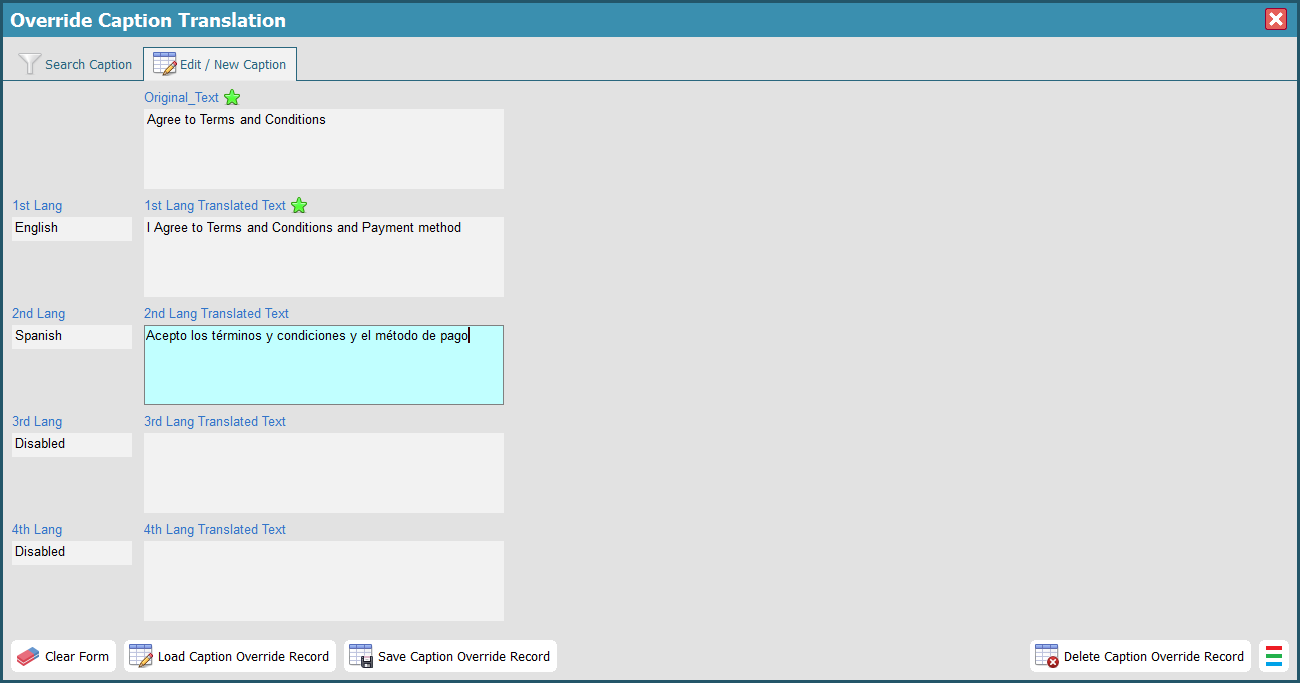
Utilize the Override SYE Captions tool to customize static text captions, such as checkbox labels.
Standard practices for content management:
- Field Labels: Modified via "Table Customization". Read more here.
- HTML Paragraphs: Managed through the "Website Content" module.
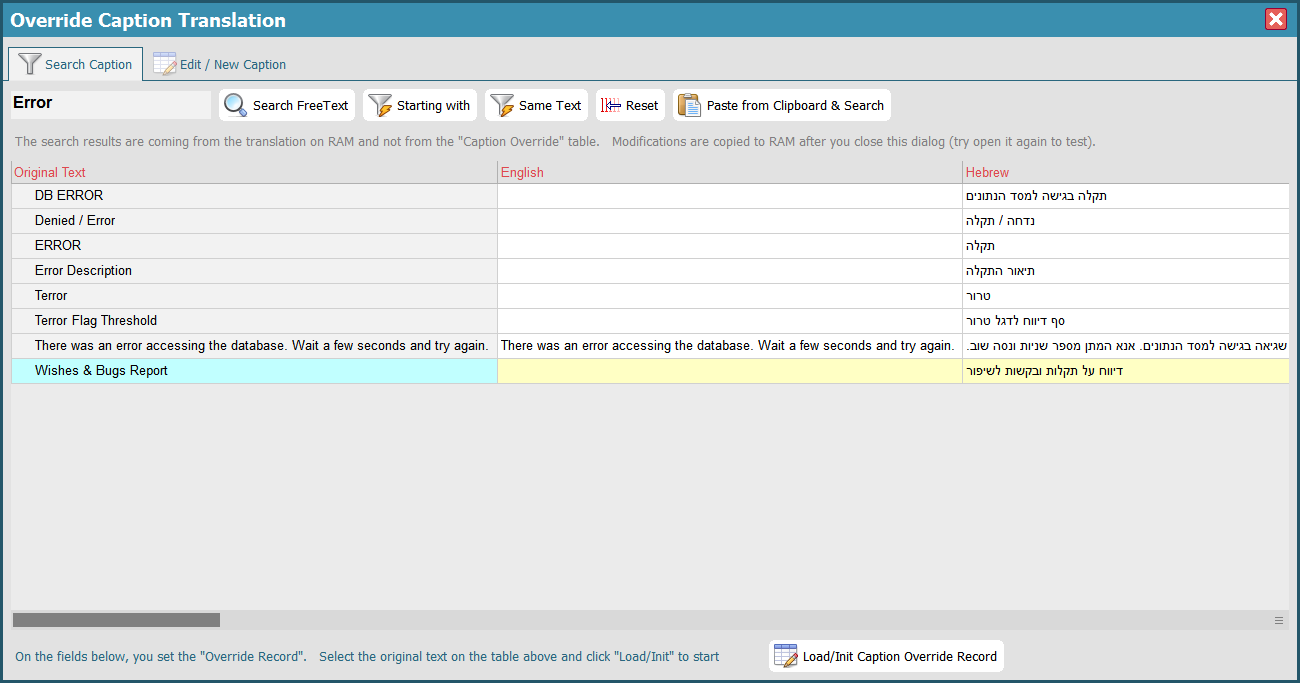
- Static Captions: General system strings can be overridden in this window. To locate specific text, use the "Search Caption" tab and paste a few words from the HTML to find the corresponding record.
Index of Relevant HTML Translated Captions
| Original Text | Description |
|---|---|
| Page does not exist |
The default HTML title displayed when a requested URL is invalid.
Note: If the 'Html_No_Page' key is implemented in "Website Content", it will take precedence over this caption (and the next one). |
|
The page you requested does not exist on the website. Try the browser 'Back' button, or close this tab and sign in again. |
The explanation text displayed on the 404 error page, providing guidance to the user. |
|
Accept Commercial Info
Accept Commercial Info to Email Accept Commercial Info to Cell phone Agree to Terms and Conditions |
Each entry represents a checkbox label within an HTML form.
Tip: Use the override tool to embed HTML links to your Legal Contract or Privacy Policy directly within these labels. |